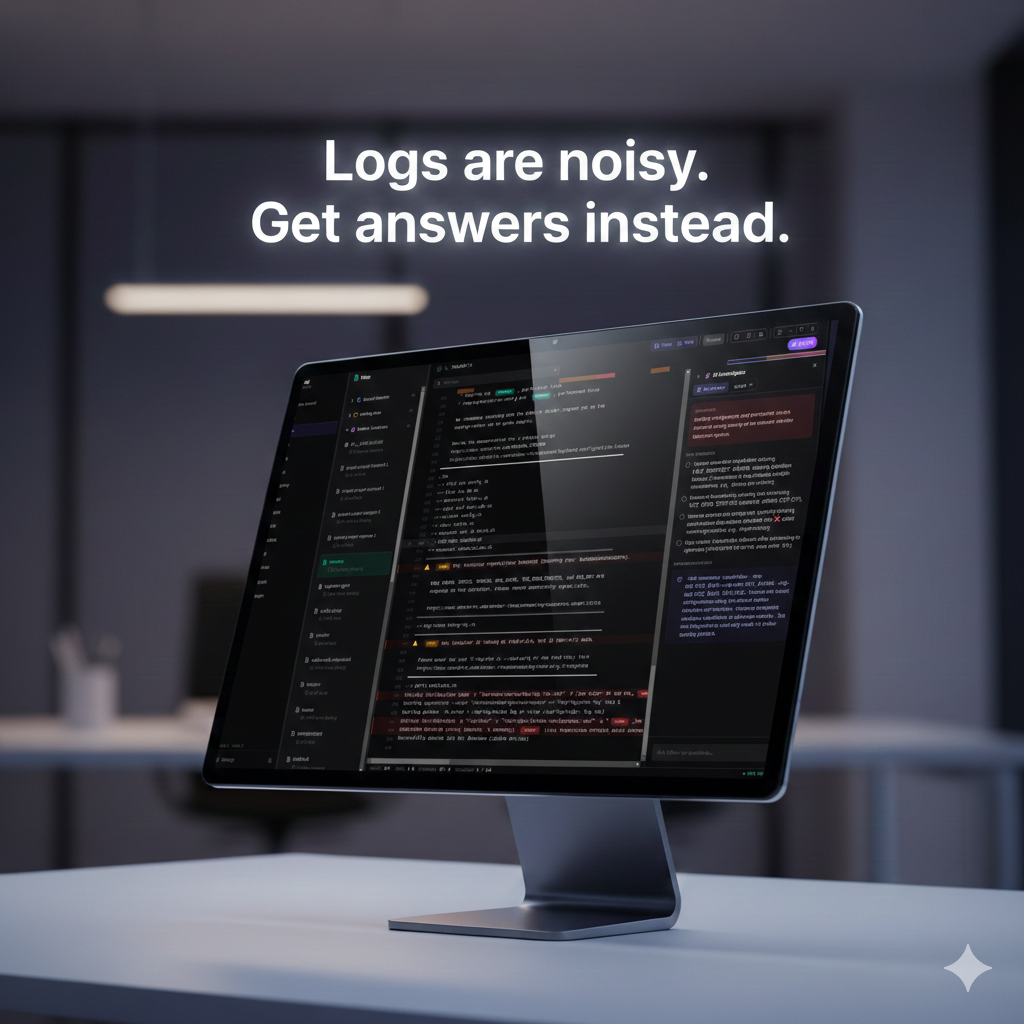

I got tired of spending half my debugging sessions just *finding* the relevant log lines, so I built something better.
Alogi (AI + Logs) is a modern, local-first log viewer that combines a clean terminal-inspired UI with AI-powered analysis. I designed it for developers and DevOps engineers like myself who need to quickly understand what’s happening in their systems without the usual command-line gymnastics.
The Problem
Log analysis is tedious. You SSH into a server, navigate to `/var/log`, run some combination of `grep`, `tail`, and `less`, and hope you find what you’re looking for. Multiply that across multiple servers and services, and you’re spending more time searching than solving. I found myself doing this dance constantly, and it felt like there had to be a better way.
What I Built
Alogi brings all your logs into one place with features that actually help:
Live Tailing
Watch logs stream in real-time, just like `tail -f`, but with syntax highlighting, severity badges, and a visual “vibe check” bar that shows you where errors are hiding in the file.
AI Analysis
Click the sparkles button and let Claude, Gemini, or OpenAI scan your logs for errors, identify root causes, and suggest fixes. I implemented smart context extraction so the AI focuses on the important parts, even in massive log files.
AI Chat
Found something interesting? Ask follow-up questions in the chat panel. “What’s causing these connection timeouts?” or “Explain this stack trace” — get answers without leaving the app.
Multi-Source Support
I wanted one tool that could handle everything I regularly deal with:
– Local files — Browse `/var/log` or any directory
– Remote servers — Connect via SSH with key or password auth
– System journal — Native `journalctl` integration
– Docker containers — View container logs without the CLI dance
Smart Features
– Regex search with inline highlighting
– Time filtering — Focus on a specific time window
– Bookmarks — Mark important lines for reference
– JSON pretty-printing — Automatically formats JSON log lines
– Insights panel — Top errors, trends, and spike detection
I built Alogi with Next.js 16, Tailwind CSS, and Electron for the desktop app. The AI features support three providers:
– Claude
– Gemini
– OpenAI
All processing happens locally — your logs never leave your machine unless you explicitly use the AI features with your own API key.
Installation
Ubuntu/Debian:
wget https://github.com/allisonhere/alogi/releases/latest/download/Alogi-amd64.deb
sudo dpkg -i Alogi-amd64.deb
Arch Linux:
yay -S alogiOr download directly from the [releases page](https://github.com/allisonhere/alogi/releases).
Open Source
Alogi is MIT licensed and fully open source. If you run into issues or have ideas for improvements, I’d love to hear from you on [GitHub](https://github.com/allisonhere/alogi).
—
Stop grep-ing blindly. Start understanding your logs.
[Download Alogi] (https://github.com/allisonhere/alogi/releases)
Leave a Comment