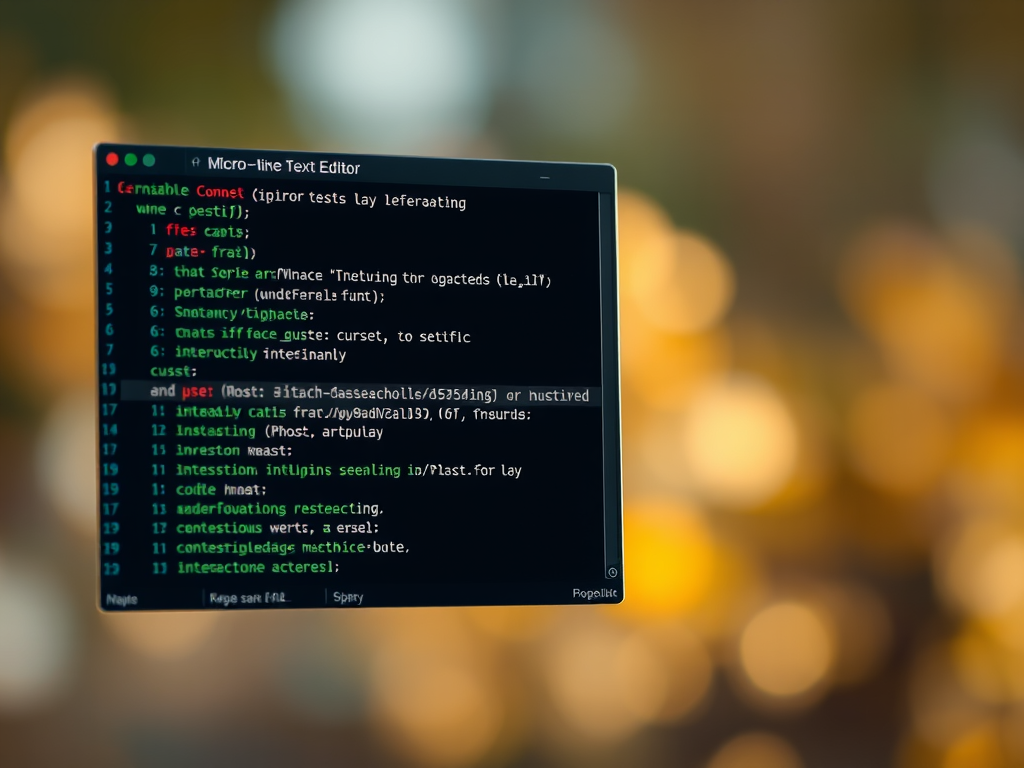

Micro is a compact, terminal-based text editor that wears its inspiration from nano on its sleeve: simplicity, clarity, and an emphasis on being immediately usable. While it inherits the approachable philosophy of nano, Micro pushes that lineage forward with modern touches—more features, a more polished UI, and extensibility—without trying to become a full-blown IDE. This review examines how Micro respects its nano roots while carving out its own place among terminal editors.
Reviewing Micro Editor: Nano-Inspired Design
Micro’s core appeal is its deliberate focus on simplicity. Like nano, it starts with sensible defaults and visible shortcuts so new users can open a file and start editing without a steep learning curve. That ease of entry is a direct echo of nano’s design ethos: make text editing accessible to users who don’t want to memorize a complex command set.
Underneath that simple surface, Micro adopts a more modern architecture. It’s implemented in Go and delivers features that reflect contemporary expectations—syntax highlighting, undo/redo, multiple cursors, and reliable Unicode handling—while still keeping the interface uncluttered. These additions don’t overthrow the nano mentality; instead, they extend it to meet the needs of people who want a bit more power without sacrificing approachability.
The visual and interaction design of Micro also shows its lineage. The bottom-of-screen key hinting and low-friction, modeless editing feel familiar to anyone who has used nano, but Micro layers on conveniences like mouse support, split panes, and configurable keybindings. For users who enjoyed nano’s simplicity but wanted a few more productivity tools, Micro feels like a natural next step rather than a complete departure.
Features, Usability, and Nano Heritage Compared
Feature-wise, Micro is notably richer than Nano while remaining intentionally lightweight. It includes syntax highlighting for many languages out of the box, multiple cursors for faster edits, and a plugin system that lets you tailor behavior. Where Nano focuses on the essentials, Micro gives you a modest toolbox of modern conveniences that won’t overwhelm the interface.
In terms of usability, both editors share the same core advantage: they are usable immediately. Nano’s strength is its near-zero onboarding—every major command is shown and straightforward. Micro preserves that strength but introduces a few more concepts and options; the default configuration is still friendly, but power users can tweak keybindings and enable plugins to optimize workflows. The result is a balance between “just work” and “customizable,” whereas Nano leans more heavily toward “just work.”
Comparing their heritage, it’s fair to say Micro is a descendant in spirit rather than a clone. Nano’s legacy is minimalism and transparency: the editor tells you what keys do and keeps everything simple. Micro retains those principles but modernizes them for users who expect things like color, extensibility, and richer editing primitives. If Nano is the dependable compact screwdriver, Micro is a versatile multi-tool—still compact, but with extra heads to handle more tasks.
Micro successfully honors Nano’s approachable philosophy while expanding the feature set to meet contemporary expectations. It’s a good choice for people who like how easy Nano is to use but want more features without committing to a heavyweight editor. For users seeking a friendly, extensible terminal editor that feels familiar yet modern, Micro strikes a compelling balance.
Leave a Comment